

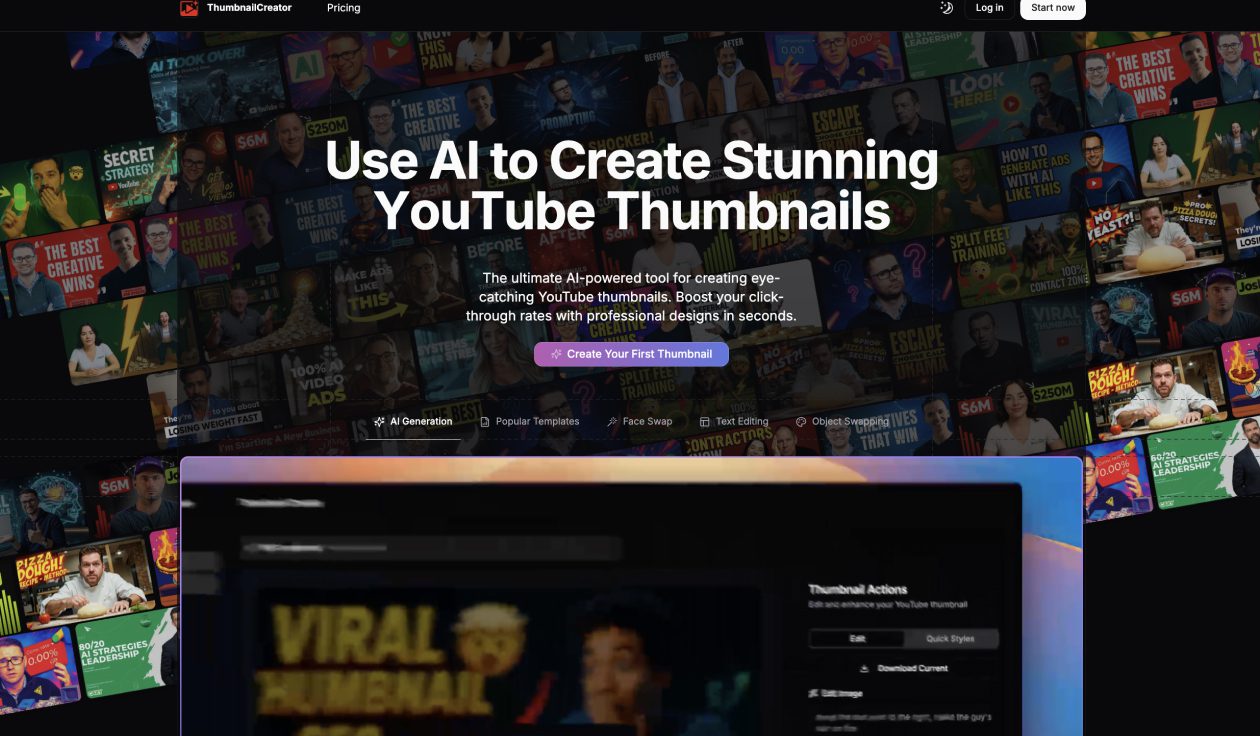
What is ThumbnailCreator?
ThumbnailCreator is an AI powered design tool that enables content creators, marketers, and publishers to generate eye catching thumbnails efficiently. It supports customization of layouts, text, colors, and imagery to produce visuals optimized for various platforms like YouTube, blogs, and social media.
ThumbnailCreator Key Features
- AI assisted thumbnail generation from user prompts or input topics
- Customizable templates for different formats, platforms, and styles
- Editing tools allowing adjustment of text, font, size, color, image placement, and layer order
- High resolution export options suitable for web and print
- Preview mode showing how the thumbnail will look on various platforms
- Library of stock images, icons, and visual elements to incorporate into designs
ThumbnailCreator Use Cases
- YouTubers and video publishers needing thumbnails to attract clicks and improve engagement
- Bloggers and news sites looking to generate consistent featured images for articles
- Social media marketers creating visuals to promote content or campaigns
- Content teams needing bulk thumbnail generation or quicker production turnaround
- Individuals without design experience who want professional looking visuals without hiring a designer
ThumbnailCreator Pricing
ThumbnailCreator typically offers a freemium model, where users can try out basic features at no cost with restrictions on exports or templates. Paid plans unlock higher resolution downloads, more advanced templates, more image assets, faster rendering, bulk generation, and priority support.
Pros of ThumbnailCreator
- Great time saver compared to designing thumbnails manually
- Accessible interface for non designers with intuitive controls
- Flexible customization ensures designs don’t all feel generic
- Preview feature helps check how visuals will appear on different platforms
- Useful library of assets (icons, images) speeds design refinement
Cons of ThumbnailCreator
- Free or entry level plans often impose limits on quality, downloads, or available elements
- Some generated designs may look templated or require tweaks to align with brand identity
- Bulk or high volume generation may be restricted to premium plans
- Advanced styling or very specific design requests may still require more capable graphic tools
- Dependency on prompt quality; vague cues may lead to less compelling thumbnails