

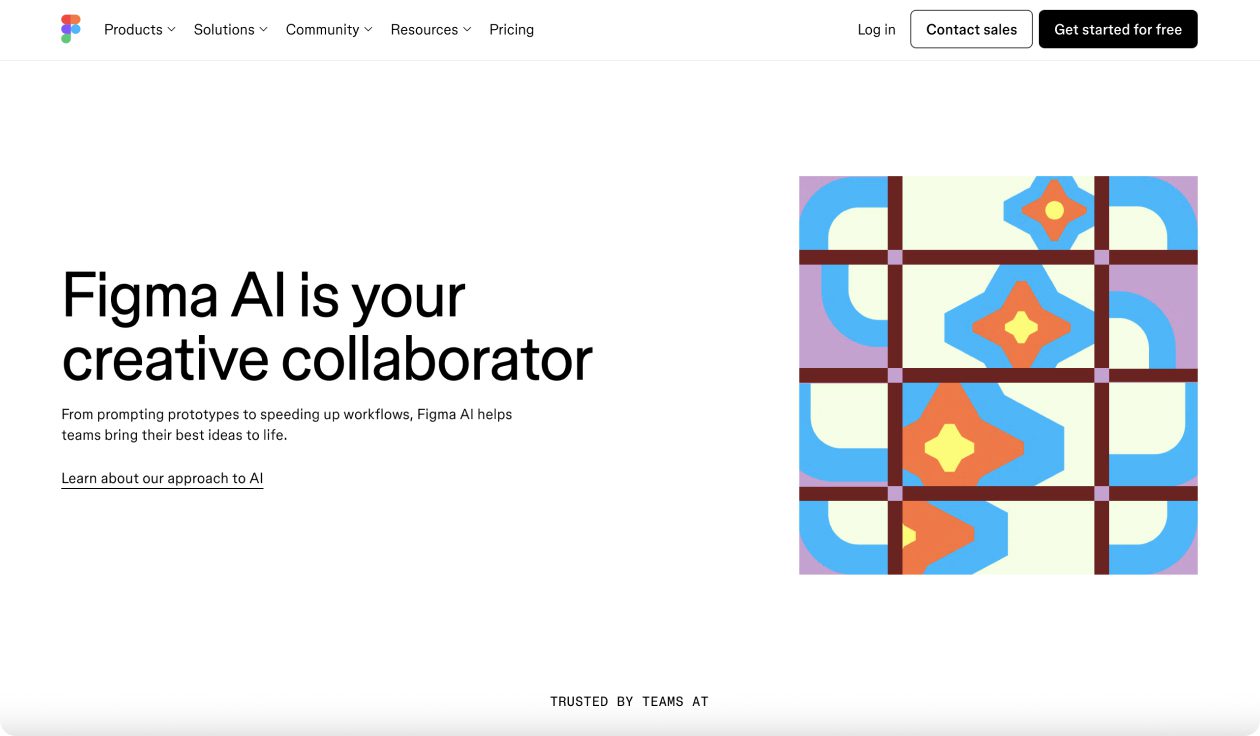
What is Figma AI?
Figma AI is an AI-powered design assistant built directly into Figma. It helps designers, teams, and non-designers accelerate workflows by generating designs, copy, and edits through natural language prompts. The tool integrates seamlessly with the Figma ecosystem, making ideation and prototyping faster and more collaborative.
Figma AI Key Features
- Text-to-design: generate wireframes and layouts from plain prompts
- Smart edits: quickly adjust colors, text, and layouts with AI suggestions
- Content generation: auto-fill realistic placeholder text and images
- Design clean up: fix alignment, spacing, and consistency issues instantly
- Integrated collaboration: AI suggestions within team projects
- Plugin support: extend functionality with third-party AI plugins
- Cross-platform: works across Figma and FigJam for design and brainstorming
Figma AI Use Cases
- Rapidly creating wireframes from project briefs or user stories
- Speeding up prototyping by auto-generating layouts and components
- Filling mockups with realistic content for client presentations
- Cleaning up messy designs for handoff to developers
- Helping non-designers (like product managers or marketers) draft first-pass designs
- Brainstorming with AI in FigJam to generate sticky notes, ideas, and flows
Figma AI Pricing
- Free Plan – Perfect for trying it out
- Mini Plan – $5/month per site
- Basic Plan – $15/month per site
- Pro Plan – $25/month per site
- Enterprise – Custom pricing for big teams
Pros of Figma AI
- Deep integration with Figma’s existing workflow
- Saves time by automating repetitive design tasks
- Lowers barrier for non-designers to contribute to UI/UX
- Improves design consistency with AI-assisted clean-up
- Works seamlessly with FigJam for ideation sessions
Cons of Figma AI
- Still in early stages, so some AI outputs can feel generic or inaccurate
- Limited advanced customization compared to manual design
- Heavy reliance on prompts may frustrate some professional designers
- Collaboration features require higher-tier paid plans
- Large teams may need enterprise support for advanced AI scaling