

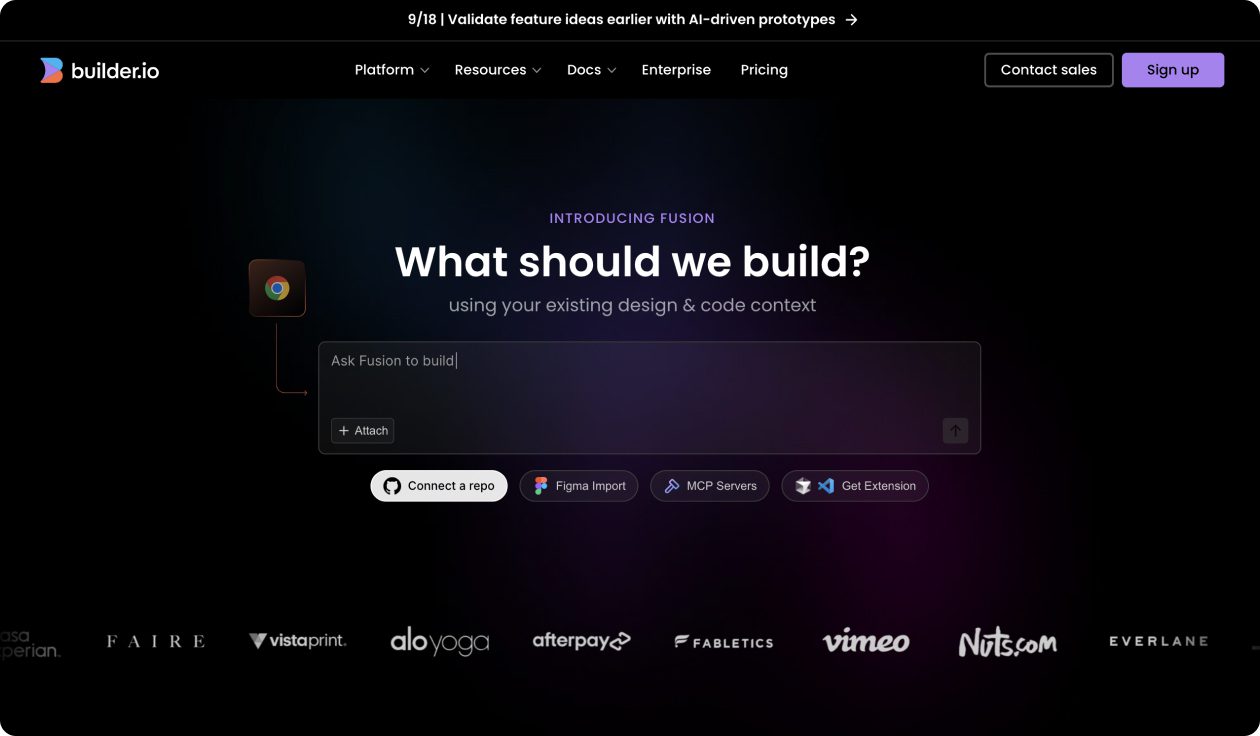
What is Builder.io?
Builder.io is an AI-powered visual development platform that helps teams generate, iterate, and optimize web and mobile experiences in seconds instead of sprints. It combines design-to-code capabilities, visual editing, and enterprise-grade headless CMS functionality to enable entire teams to collaborate on rich, interactive experiences without requiring code.
Builder.io Key Features
- AI-powered design-to-code: Convert Figma designs to clean, production-ready code using existing components and design systems
- Visual development environment: Drag-and-drop interface for building apps and UIs from scratch or existing repositories
- Component integration: Leverage existing design systems, components, and APIs with generated code matching coding standards
- Interactive prototyping: Create functional prototypes with backend context integration for realistic user testing
- Enterprise grade security: SOC 2 Type II compliant with data privacy controls and custom API key support
- Team collaboration: Role-based permissions and access controls with flexible deployment workflows
- Multi-platform optimization: Build and optimize experiences across web, mobile, and various digital touchpoints
Builder.io Use Cases
- Development teams accelerating frontend development by converting Figma designs to production-ready code
- Marketing teams creating and publishing landing pages, campaigns, and content without developer dependencies
- Product managers building interactive prototypes for user testing and stakeholder validation
- E-commerce businesses optimizing product pages, checkout flows, and promotional content dynamically
- Enterprise organizations managing headless content across multiple digital properties and platforms
- Design agencies delivering client projects faster with visual development and automated code generation
- Startups building MVPs and iterating on user experiences without extensive development resources
Builder.io Pricing
- Free Plan – Basic visual development features with limited monthly API calls
- Growth Plan – $29/month with enhanced features, more API calls, and team collaboration
- Scale Plan – $99/month with advanced optimization, analytics, and enterprise integrations
- Enterprise Plan – Custom pricing with dedicated support, advanced security, and unlimited usage
- Design-to-Code Feature – Available across all paid plans with usage-based pricing tiers
Pros of Builder.io
- Combines multiple development needs in one platform: CMS, visual editor, and code generation
- Generated code uses existing components and matches established coding standards
- Enterprise-grade security with SOC 2 Type II compliance and data privacy controls
- Visual development approach enables non-technical team members to contribute effectively
- Seamless integration with existing codebases, design systems, and development workflows
- AI-powered features accelerate time-to-market while maintaining code quality
- Headless architecture provides flexibility for multi-platform and omnichannel experiences
Cons of Builder.io
- Learning curve for teams transitioning from traditional development or CMS workflows
- Usage-based pricing for AI features can become expensive for high-volume development projects
- Generated code may require refinement for complex business logic and edge cases
- Platform dependency may limit flexibility for teams preferring full control over tech stack
- Advanced features require higher-tier plans, making it costly for smaller teams
- Cannot completely replace custom development for highly specialized or complex applications
- Requires understanding of both visual development concepts and technical implementation details