

What is AirBrush?
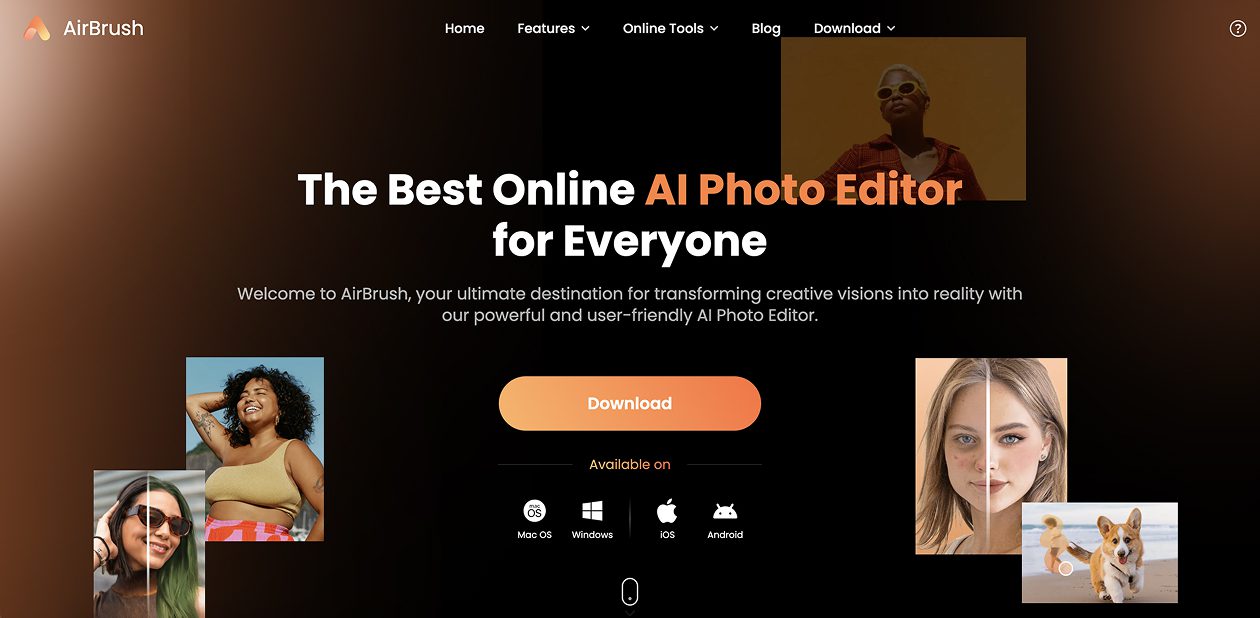
AirBrush is an online AI powered photo and video editing platform that enables users to retouch, enhance, and transform visuals effortlessly. It provides tools for removing objects, adjusting backgrounds, editing faces, and improving overall image quality, all without the need for complex design software.
AirBrush Key Features
- AI photo retouching for skin smoothing, feature adjustments, and facial enhancements
- Object remover to delete unwanted elements or people from images
- Background removal or replacement to isolate subjects or change settings
- Image enhancer and upscaler to boost clarity, color, resolution, and detail
- AI clothes changer to swap or update clothing in photos
- Additional tools: face swap, multiple face edits, cartoon/sketch conversion, and collage maker
- Video-specific tools like video enhancement, watermark removal, and background removal
- Browser based usage, no download or installation required
AirBrush Use Cases
- Content creators and influencers polishing portraits, selfies, or promotional images
- E-commerce businesses cleaning up product photos by removing distractions or enhancing visuals
- Social media marketers needing quick visual edits for posts and ads
- Designers prototyping visuals or mockups without switching between software
- Casual users who want to improve personal photos, change clothes virtually, or remove backgrounds
AirBrush Pricing
AirBrush operates on a freemium model. Basic edits and tools are accessible at no cost with limited features and usage. Paid tiers unlock more advanced capabilities such as high-resolution exports, additional editing tools, bulk operations, and priority processing.
Pros of AirBrush
- Easy to use, even for non designers, with intuitive AI tools
- Combines multiple editing features in one platform (background removal, retouching, clothes change)
- Browser based, requiring no installation or setup
- Offers both image and video enhancement capabilities
- Freemium access allows users to try core features before committing
Cons of AirBrush
- Free version likely has limits on resolution, export quality, or number of edits
- AI generated edits may require human refinement in nuanced or complex areas
- Advanced features and bulk operations are restricted to paid tiers
- Some edits (like clothes change, background replacement) may look less natural depending on input quality
- Not a full featured design or video editing suite, complex compositing or animations may need external tools