

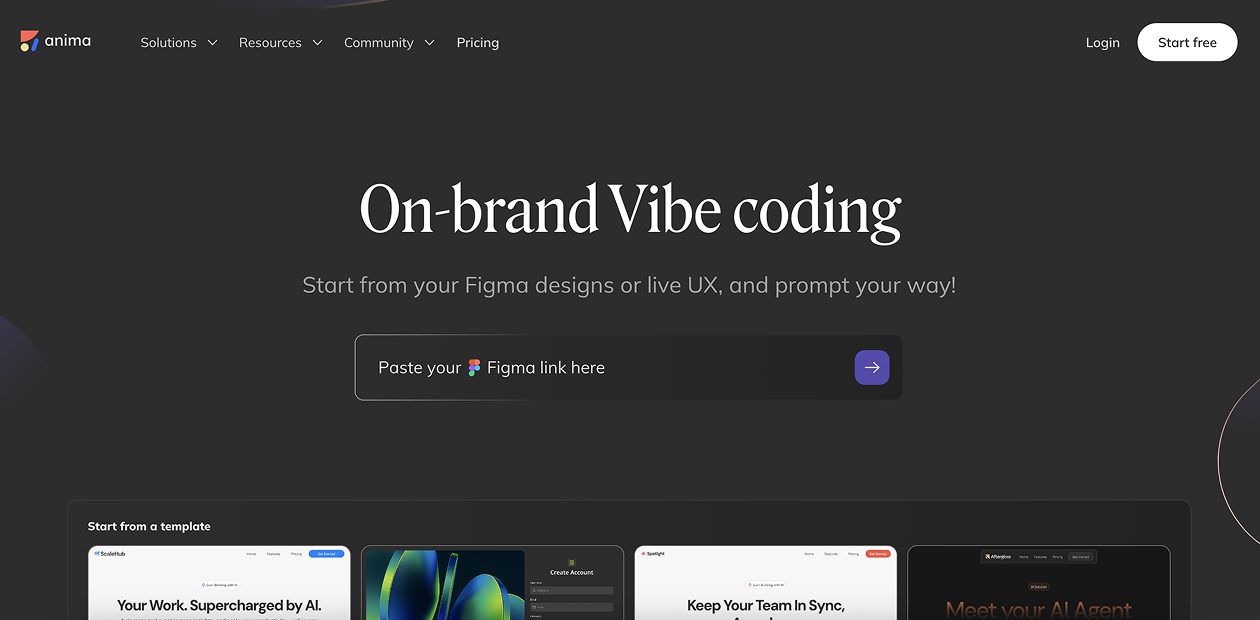
What is Anima?
Anima is an AI-powered design-to-code platform that transforms Figma designs, text prompts, or images into functional, interactive prototypes and production-ready code. Whether you’re a designer who doesn’t code, a developer who won’t design, or a founder with no time, Anima accelerates the journey from concept to deployment with one-click publishing.
Anima Key Features
- Multi-input design creation: Start with Figma designs, text prompts, images, or existing websites for rapid prototyping
- AI-powered code generation: Export clean HTML, CSS, React, or Vue.js code with Tailwind CSS or Styled Components
- Interactive prototyping: Create responsive prototypes with real input fields, hover effects, and animations
- One-click deployment: Publish websites, web apps, or prototypes instantly with shareable live links
- Backend integration: Connect to APIs and backend services seamlessly within the platform
- Brand consistency: Import brand assets and maintain visual consistency across all generated designs
- Figma plugin integration: Native Figma plugin with DevMode inspection for React, HTML, and Vue code
- Anima API: Connect Figma to coding AI agents for pixel-perfect, production-ready code integration
Anima Use Cases
- Designers without coding skills creating functional prototypes and live websites from Figma designs
- Frontend developers accelerating development by converting designs to clean, maintainable code
- Startup founders rapidly building MVPs and product demonstrations for investor presentations
- Product managers creating interactive prototypes for user testing and stakeholder validation
- Marketing teams launching campaign landing pages and promotional websites quickly
- Freelance agencies delivering client projects faster with automated design-to-code workflows
- Development teams bridging design-development gap with accurate code exports from design files
Anima Price
- Free Plan – Basic features with limited code exports and prototyping capabilities
- Pro Plan – $31/month with 5000 code exports per month, unlimited Figma inspects, and advanced features
- Team Plan – Higher-tier pricing for collaborative teams with enhanced sharing and management features
- Enterprise Plan – Custom pricing with advanced security, API access, and dedicated support
- Up to 60% savings – Available on annual Pro plan subscriptions
Pros of Anima
- Generates clean, maintainable code that addresses traditional design-to-code quality concerns
- Multiple input methods enable flexibility for different workflows and team preferences
- One-click deployment eliminates complex hosting and publishing workflows
- Strong community endorsement from developers and designers on social media platforms
- Native Figma integration provides seamless workflow for existing design teams
- API availability enables custom integrations and automated development pipelines
- Interactive prototypes with real functionality rather than static mockups
Cons of Anima
- Learning curve for teams transitioning from traditional design or development workflows
- Monthly code export limits may restrict usage for high-volume development projects
- Generated code may require refinement for complex business logic and custom functionality
- Platform dependency could limit flexibility for teams preferring full control over tech stack
- Pricing can become expensive for individual freelancers with extensive code export needs
- Cannot replace comprehensive user research and strategic design thinking processes
- May create workflow dependencies that could be challenging to migrate away from