

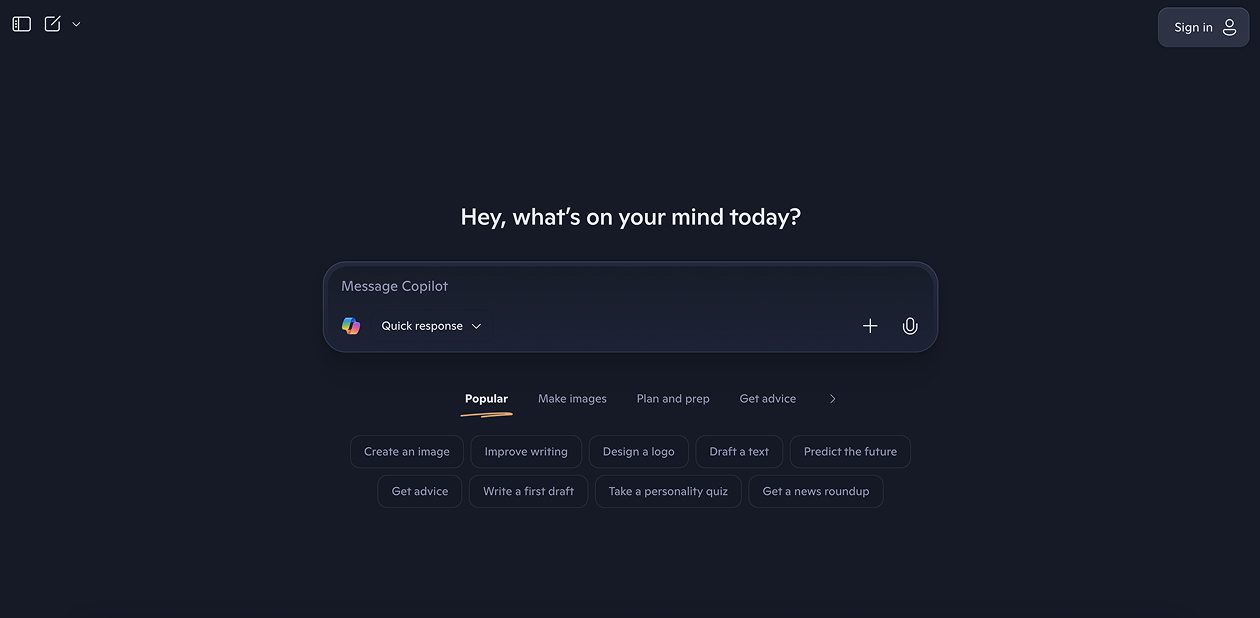
What is Microsoft Copilot?
Microsoft Copilot is an AI companion that assists designers and researchers in conducting deep research, generating visual wireframes, and creating prototypes through natural language prompts. It combines conversational AI with integrated design tools like Microsoft Designer and data analysis capabilities to streamline the entire design research and prototyping workflow.
Microsoft Copilot Key Features
- Deep research capabilities: Conduct comprehensive market research, user analysis, and competitive intelligence
- AI image generation: Create wireframe mockups and visual prototypes using Microsoft Designer integration
- Data visualization: Transform raw research data into meaningful charts, graphs, and visual insights
- Natural language prompting: Generate wireframes and prototypes by describing requirements in plain English
- Cross-platform availability: Access on Windows, Mac, mobile, and web browsers for seamless workflow
- Design principle integration: Apply professional design principles like alignment, balance, and visual hierarchy
- Voice AI assistance: Conduct research and iterate on designs through voice commands
- Microsoft 365 integration: Seamlessly work with existing Office documents and presentations
Microsoft Copilot Use Cases
- UX researchers conducting comprehensive user research and transforming findings into visual insights
- Product designers generating initial wireframe concepts from user requirements and research briefs
- Design agencies accelerating client research phases and creating visual prototypes for presentations
- Product managers creating data-driven wireframes based on user analytics and market research
- Marketing teams researching target audiences and prototyping campaign landing pages
- Startup founders conducting market validation research and creating MVP wireframes without design expertise
- Design students learning to combine research methodologies with rapid prototyping techniques
Microsoft Copilot Pricing
- Free Plan – Limited daily usage with basic AI features and image generation
- Copilot Pro – $20/month with priority access, faster responses, and enhanced image generation
- Microsoft 365 Copilot – $30/month per user (requires Microsoft 365 Business Standard or Premium)
- Copilot Studio – Starting at $200/month for custom copilot creation and advanced features
- Enterprise – Custom pricing with advanced security, compliance, and administration features
Pros of Microsoft Copilot
- Combines research, analysis, and visual creation in one integrated platform
- Leverages existing Microsoft ecosystem for seamless workflow integration
- Strong data analysis capabilities for turning research into actionable insights
- Professional-grade image generation through Microsoft Designer technology
- Cross-platform accessibility enables flexible working arrangements
- Voice AI features enable hands-free research and design iteration
- Cost-effective compared to multiple specialized research and design tools
Cons of Microsoft Copilot
- Limited advanced wireframing features compared to dedicated design tools like Figma
- Generated wireframes may lack sophisticated interaction design capabilities
- Requires Microsoft ecosystem familiarity for optimal workflow integration
- Image generation quality may not match specialized design software outputs
- Free tier limitations restrict extensive research and prototyping sessions
- Cannot replace comprehensive user research methodologies with direct user contact
- Learning curve for effective prompt engineering to achieve desired design outputs