

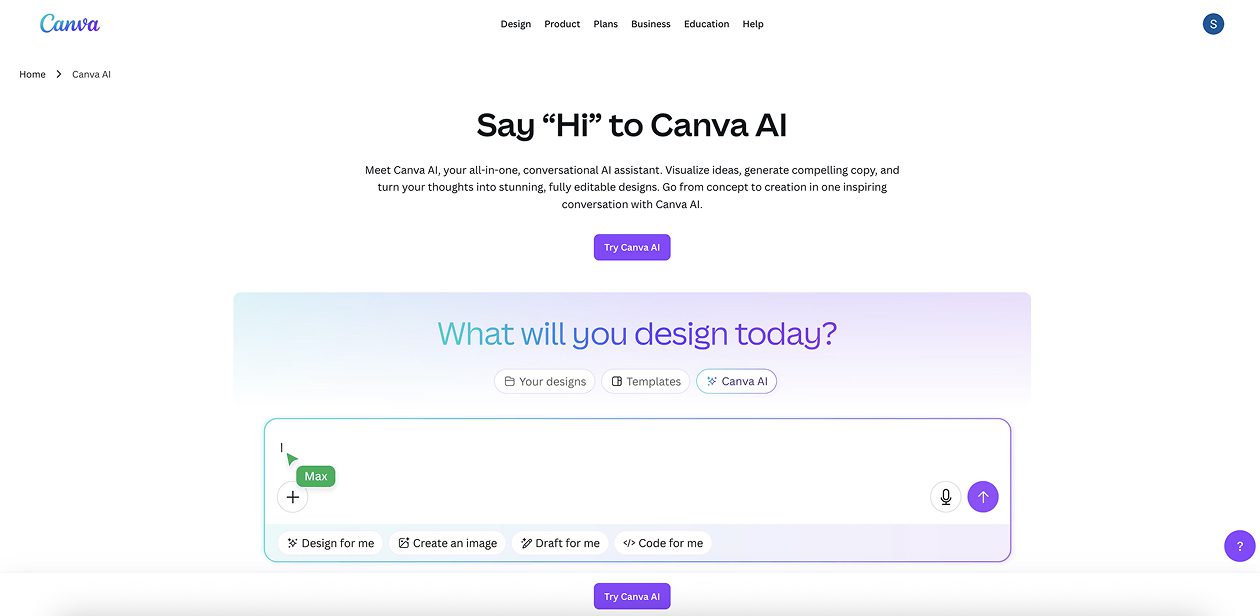
What is Canva AI?
Canva AI (also known as Magic Studio or the Canva AI Assistant) is an integrated suite of AI-powered creative tools within Canva that helps users generate, design, and enhance visual content and written assets using conversational prompts and automation.
Canva AI Key features
- Conversational AI that creates designs, layouts, and copy from text or voice prompts
- Magic Studio toolkit: includes Magic Write (text generation), Magic Design (layout generation), Magic Media (AI-generated images/videos), Magic Resize, Magic Animate, Magic Morph, Magic Edit, Magic Eraser, Magic Expand, and more
- AI-powered photo editing tools for object removal, background generation, and smart adjustments
- Integrated tools like Canva Sheets with Magic Insights, Magic Charts, Visual Suite 2.0, and Canva Code for spreadsheets and no-code prototyping
- Secure, scalable usage with admin controls through Canva Shield
Canva AI Use cases
- Quickly producing social media graphics, presentations, marketing materials, or visual documents
- Turning text ideas into polished visuals, animations, or multi-format assets
- Enhancing or cleaning up photos and images with AI tools
- Creating technical visuals, diagrams, sitemaps, or structured content via AI-assisted workflows
- Enabling teams to collaborate, share, and scale visual content efficiently
Canva AI Price
- Free Plan – Perfect for trying it out
- Mini Plan – $5/month per site
- Basic Plan – $15/month per site
- Pro Plan – $25/month per site
- Enterprise – Custom pricing for big teams
Pros of Canva AI
- Highly intuitive UI, perfect for non-designers and professionals alike
- Very rich AI toolkit, covering visuals, text, automation, and design enhancements
- Fast iteration from idea to final asset using natural language prompts
- Strong enterprise capabilities with brand management, security, and scale
Cons of Canva AI
- Advanced AI features are gated behind paid plans
- Some automations may produce imperfect edits, requiring manual touches
- Customization is less granular than tools like Figma or Photoshop